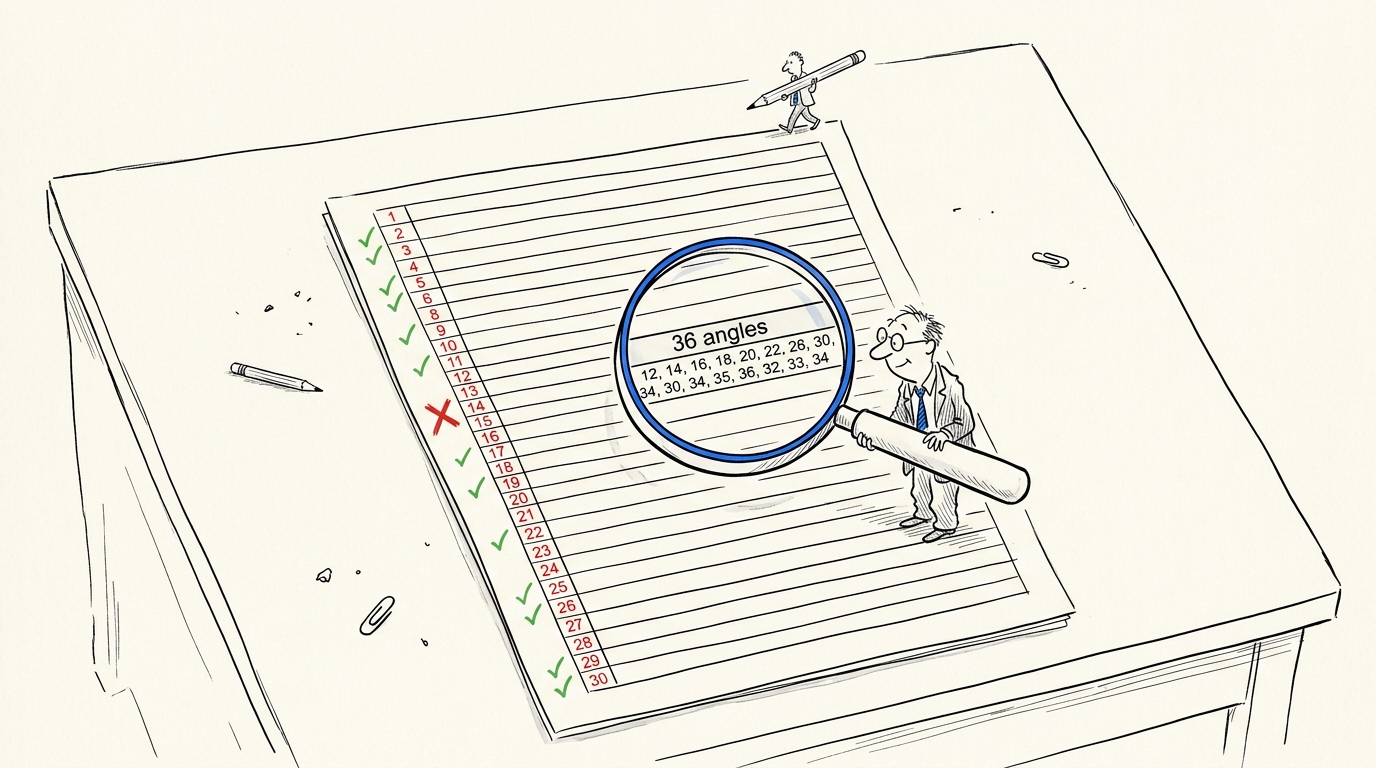
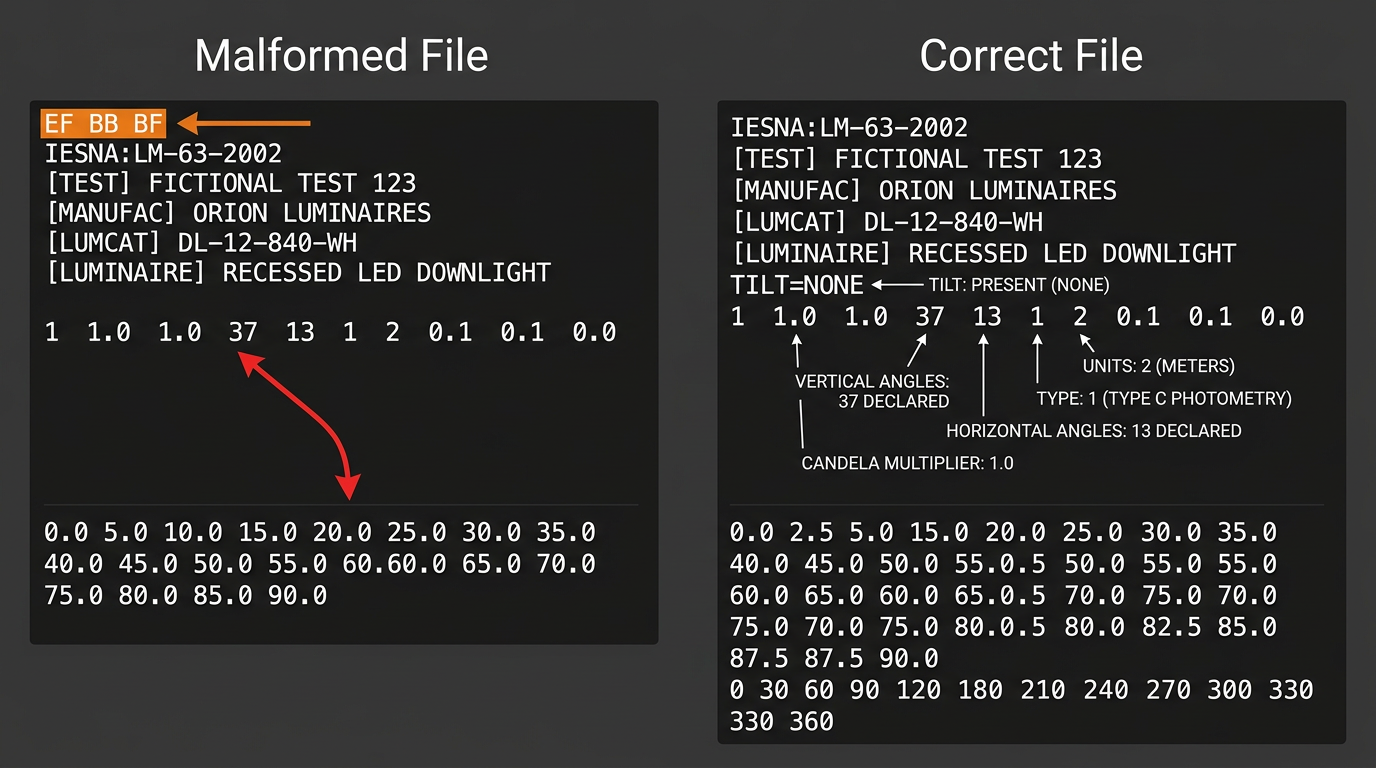
IES files are plain ASCII text. Every field on the 10-value photometric parameter line has a fixed position and specific legal values. Most import failures come from five predictable errors: angle count mismatch, missing TILT line, wrong photometric type, truncated candela data, and encoding issues. All visible in a text editor in under a minute.
The format in one sentence
LM-63-2002 governs how photometric data gets written to a text file. That's it. The standard has been revised four times since 1986, and LM-63-19 is technically current, but 2002 remains what you'll encounter in practice. The version identifier on line 1 tells you which revision you're dealing with.
Every line maxes out at 132 characters. This limit comes from IBM Hollerith punch cards. Some real-world files exceed it. They may work in lenient parsers but fail strict validators.
Full annotated file
Here's a complete IES file for a fictional 12W LED downlight. Every line does something.
Orion Luminaires DL-12-840-WH — Complete IES File
| Line | Raw content | What it means |
|---|---|---|
| 1 | IESNA:LM-63-2002 | Version string. Tells parsers which spec revision to expect. |
| 2 | [TEST] OL-2024-0847 | Test report number from the photometric lab. |
| 3 | [TESTLAB] Independent Testing Labs | Lab that performed the goniophotometer test. |
| 4 | [ISSUEDATE] 2024-03-15 | Date the file was generated. |
| 5 | [MANUFAC] Orion Luminaires | Manufacturer name. |
| 6 | [LUMCAT] DL-12-840-WH | Catalog number. This is what you search for. |
| 7 | [LUMINAIRE] 12W LED Downlight 4000K | Product description. |
| 8 | [LAMP] LED Module | Light source type. |
| 9 | [WATTAGE] 12 | Input watts. |
| 10 | [LUMENS] 850 | Rated lumens. |
| 11 | TILT=NONE | Fixed luminaire, no tilt data. Required line. |
| 12 | 1 -1 1.0 19 9 1 2 0.15 0.15 0.0 | The photometric parameter line. 10 fields. |
| 13 | 1.0 1.0 12.0 | Ballast factor, ballast-lamp factor, input watts. |
| 14 | 0 5 10 15 20 25 30 35 40 45 50 55 60 65 70 75 80 85 90 | Vertical angles (19 values, 0° to 90°). |
| 15 | 0 45 90 135 180 225 270 315 360 | Horizontal angles (9 values, full rotation). |
| 16-24 | Candela values | 9 rows × 19 values = 171 total candela readings. |
The candela matrix starts after the angle arrays. Each row represents one horizontal plane. Peak intensity sits at 0° vertical (straight down), around 800 cd for this downlight, and drops to near zero at 90°.
The 10 fields decoded
That photometric parameter line is where files break. Here's what each position means.
| Position | Field | Legal values | When it's wrong |
|---|---|---|---|
| 1 | Number of lamps | Integer ≥1 | Rarely an issue |
| 2 | Lumens per lamp | -1 or positive number | -1 means absolute photometry (standard for LEDs) |
| 3 | Candela multiplier | Usually 1.0 | Values other than 1.0 scale all candela data |
| 4 | Vertical angle count | Integer matching array length | Mismatch = file rejected or silently wrong |
| 5 | Horizontal angle count | Integer matching array length | Same problem |
| 6 | Photometric type | 1, 2, or 3 | Wrong type = wrong polar curve |
| 7 | Units type | 1=feet, 2=meters | Wrong unit = luminaire appears giant or tiny |
| 8 | Width | Decimal in declared units | Affects luminaire rendering |
| 9 | Length | Decimal in declared units | Same |
| 10 | Height | Decimal, often 0.0 | Same |
Type C (1): Downlights, troffers, most architectural luminaires. This is the default. Type B (2): Floodlights, sports lighting, adjustable heads. Type A (3): Roadway, automotive, area lighting with specific mounting geometry.
Five errors that kill files
These account for nearly every DIALux rejection and AGi32 warning you'll see.
| Error | What it looks like | AGi32 behavior | DIALux behavior | Fix |
|---|---|---|---|---|
| Angle count mismatch | Parameter line says 19 vertical, but only 17 values follow | Repair Console appears | Rejects file | Correct the count or add missing angles |
| Missing TILT line | No TILT=NONE after keyword block | Fatal error | "Luminaire data could not be imported" | Add TILT=NONE on the line after keywords |
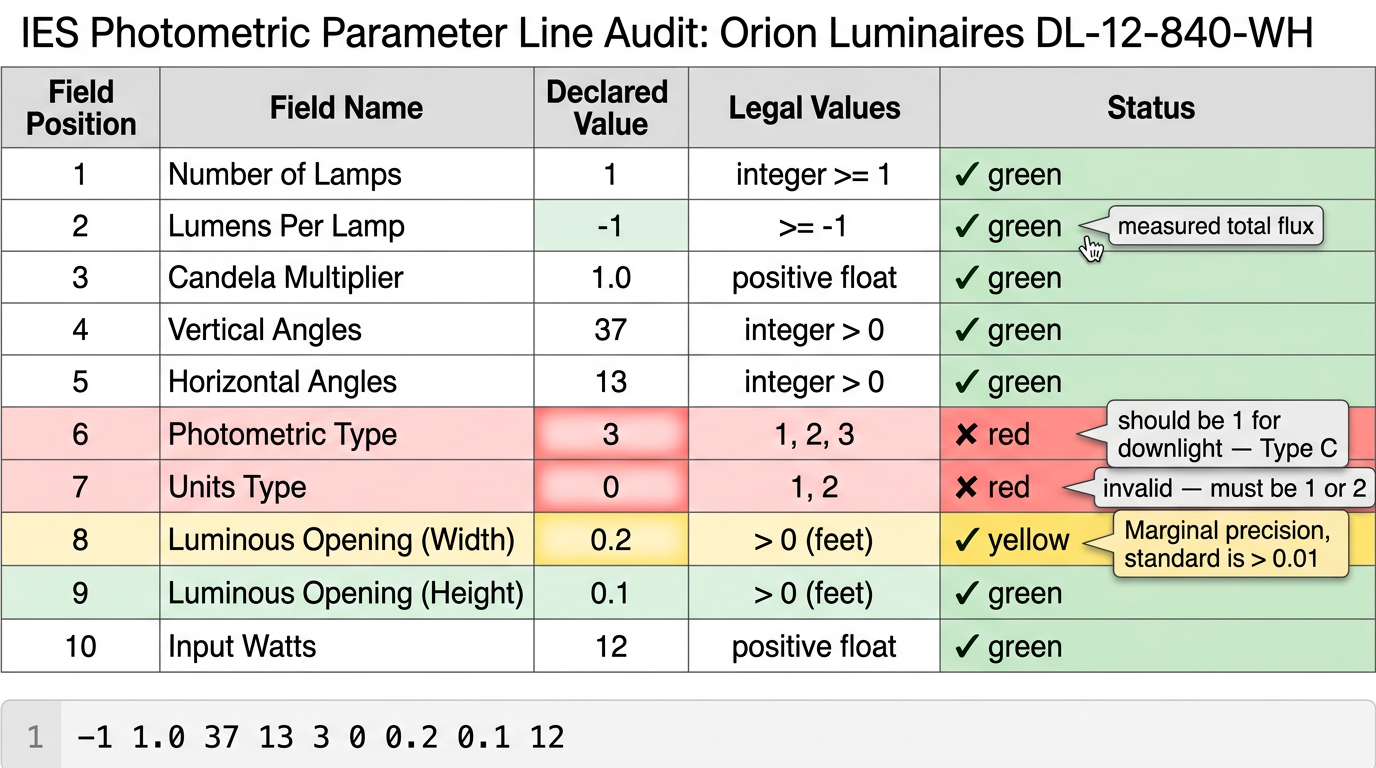
| Wrong photometric type | Type B declared for a downlight | Opens with wrong polar curve | Same | Change to Type C (1) |
| Truncated candela | Matrix has 153 values instead of 171 | Warning, silently interpolates | May reject or corrupt | Complete the matrix or retest |
| UTF-8 BOM | File starts with invisible bytes EF BB BF | Version string check fails | Same | Resave as ANSI encoding |
Broken: Declared count doesn't match array
1 -1 1.0 17 9 1 2 0.15 0.15 0.0
(Says 17 vertical angles, but 19 values follow)
Fixed: Counts match
1 -1 1.0 19 9 1 2 0.15 0.15 0.0
(Declares 19, provides 19)
AGi32 will flag angle mismatches with its Repair Console. DIALux often just refuses the file. Older versions of both programs sometimes silently interpolate broken data. Your calculations run. They're just wrong. You don't get a warning.
Quick validation workflow
Notepad, Sublime, VS Code, anything that shows raw text. Confirm line 1 starts with IESNA:LM-63.
It must appear immediately after the keyword block. No blank lines, no extra headers. Just TILT=NONE (or TILT=INCLUDE if tilt data follows).
Read positions 4 and 5 on the photometric parameter line. Count the actual values in each angle array. They must match.
Multiply vertical count × horizontal count. That's how many candela values must exist. Count them.
The DLC's LUNA pre-submission tool catches most structural errors for free. AGi32's Photometric Toolbox does too. But neither tells you what the raw file looks like. When something fails, you're back in the text editor anyway. You can also run a quick structural check with our photometric file validator.
- Version string present on line 1
- TILT=NONE declared after keyword block
- Angle counts match actual arrays
- Candela matrix complete (vertical × horizontal = total values)
- File saved as ANSI, not UTF-8 with BOM
The file is under 30 lines. Once you've read three or four of them, you'll spot errors faster than any import wizard can explain them. If you're deciding between IES and EULUMDAT for your catalog, see IES vs LDT photometric files for a format-level comparison.