
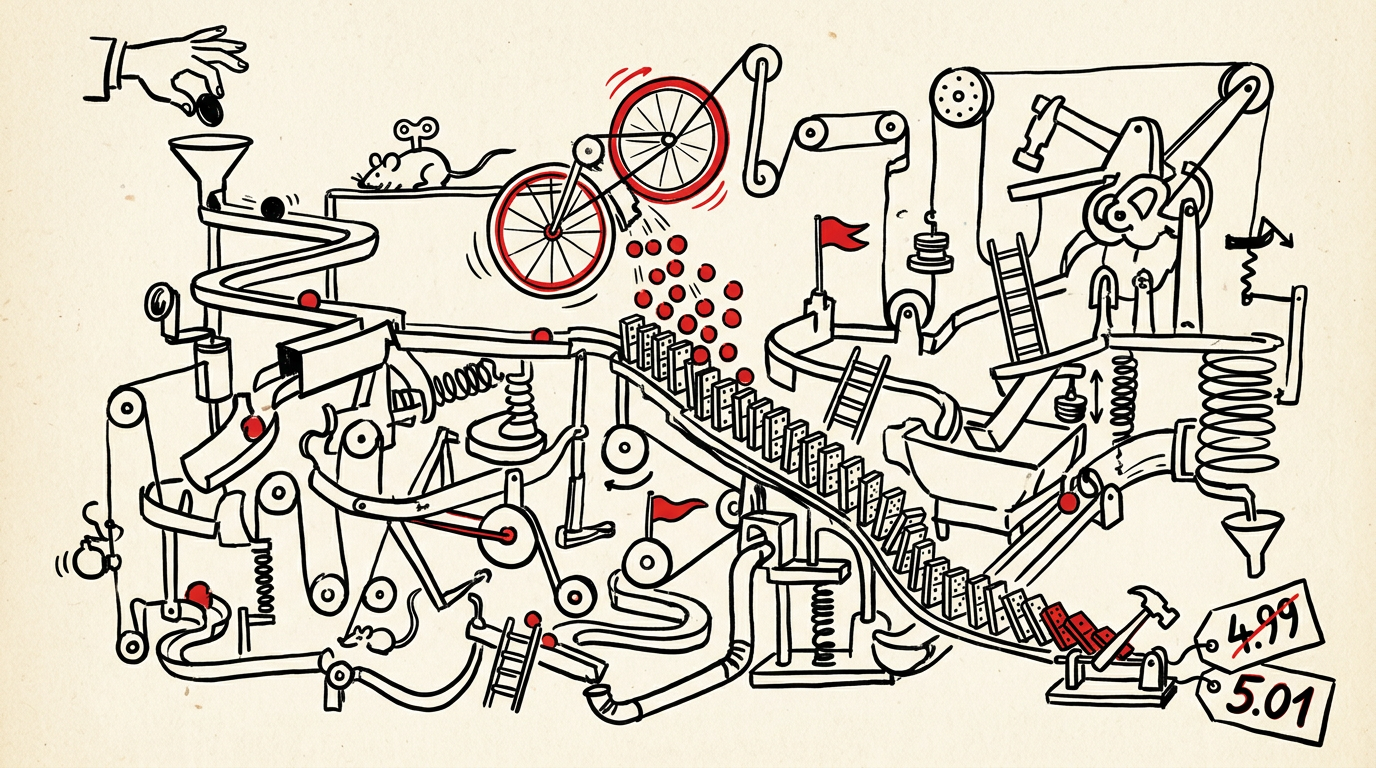
A single price file update takes 6 hours of manual work, but the labor is the smaller expense. Validation gaps let 8-12% of prices go live with errors. One underpriced high-volume SKU can cost more than a pricing analyst's monthly salary.
One mid-size electrical distributor tracked their manufacturer price file volume for a year. They processed 127 updates, each taking 4-8 hours of analyst time. Annual labor cost: $63,000. Then they audited their live ecommerce prices against the most recent supplier files. Eight percent were wrong. That margin leakage cost $340,000.
Most distributors blame their ERP or ecommerce platform when customers see incorrect prices. The failures actually happen upstream, in the 6-8 hours between receiving the Excel file and clicking import. A Schneider Electric price update with 14,000 rows creates six distinct failure points.
What a price file update actually involves
Manufacturer email arrives Tuesday morning. Subject line: "Schneider Electric Price Update Effective 4/1." Attached: SCHNEIDER_PRICING_APR2024.xlsx, 14,224 rows. Columns: part number, list price, net multiplier, effective date. Four days to process, validate, and deploy before the effective date, against $2.3 million in monthly Schneider revenue.
Typical price file structure
| Part Number | List Price | Net Multiplier | Effective Date |
|---|---|---|---|
| QO120GFI | $47.50 | 0.68 | 4/1/2024 |
| QO230 | $22.80 | 0.72 | 4/1/2024 |
| EDB14020 | $156.30 | 0.65 | 4/1/2024 |
Base prices update, then 1,200 customer-specific multipliers must recalculate.
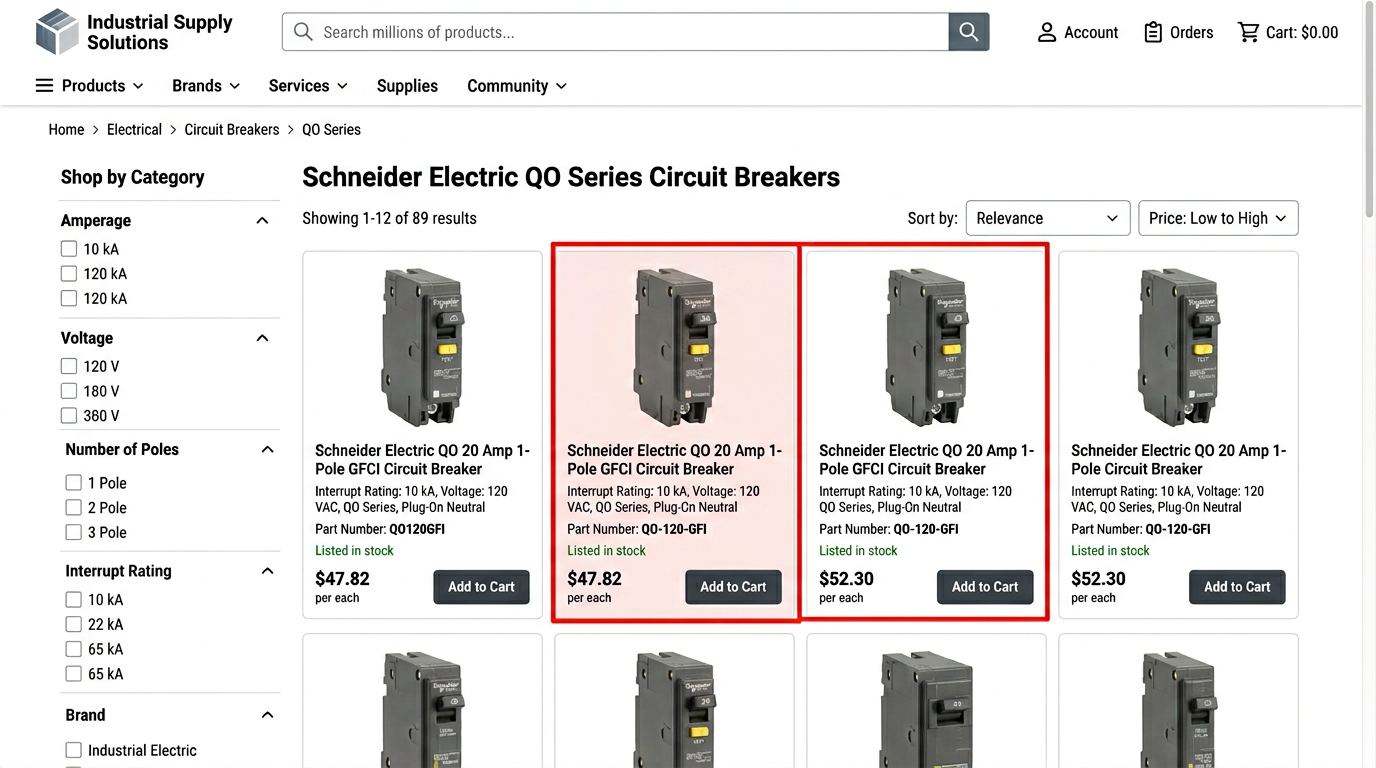
Error point 1: New SKUs not in catalog
Row 8,847: QO2175SB. Not in your master catalog. The import script skips it. Three weeks later, a counter rep quotes the old discontinued part instead. Customer gets the wrong breaker.
Validation that catches it: Cross-reference every part number against master catalog before import. Flag unmatched rows for manual review. Create new catalog entries first, then rerun the price update.
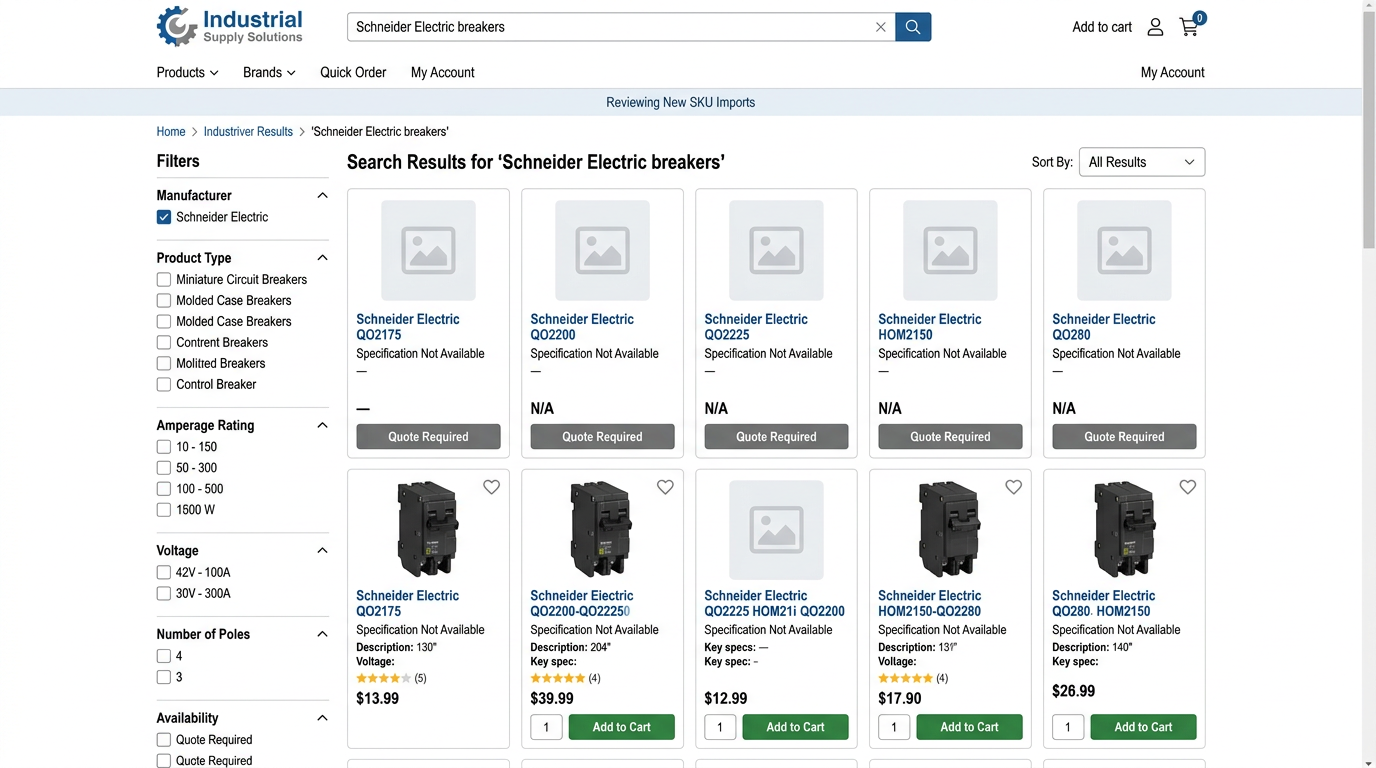
Error point 2: Part number format changes
Schneider changed QO120GFI to QO-120-GFI in their system. The import script sees them as different parts. Now you have two catalog entries, one with live pricing, one frozen at last year's cost. The frozen one still appears in search results.
Validation that catches it: Fuzzy match on manufacturer name plus base part number. Flag suspected format variants. Merge into canonical part number before import.
Error point 3: Supplier formula errors
Rows 8,412 through 8,419 show #REF! in the net multiplier column. The supplier's protected Excel template has a broken formula. Your import script reads #REF! as text, fails to parse it, and skips those rows. Seven SKUs now have no pricing at all.
Validation that catches it: Cell-by-cell error scan before processing. Flag any #REF!, #VALUE!, or #DIV/0! errors. Send file back to supplier or manually correct.
New SKU not in catalog: cross-reference, manual review, create catalog entry first.
Format variant detected: fuzzy match, merge to canonical part number.
Formula error in source file: scan for #REF! or #VALUE!, flag for manual correction.
Decimal precision mismatch: check category rules, preserve 4 decimals where required.
Retroactive effective date: scan for dates before file receipt, generate credit memos.
Customer tier dependency: recalculate all derived prices when base changes.
Error point 4: Decimal truncation
Your import script rounds to 2 decimals. Industrial contactor coils price at 4 decimals: $47.3825. Rounding to $47.38 creates a $0.0025 loss per unit. On a high-volume coil moving 2,000 units per month, that's $5 in margin leakage.
Validation that catches it: Precision check against product category rules. Electrical components with fractional unit pricing require 4 decimal places. Flag any truncation before import.
Error point 5: Retroactive effective dates
The file arrived April 3rd. Rows 2,118 through 2,164 have effective dates of March 15th. You imported on April 4th. Those 47 items needed to be priced retroactively for two weeks. Every order that shipped at the old price now requires a credit memo.
Validation that catches it: Effective date scan with alert threshold. Any date more than 7 days before file receipt gets flagged. Generate credit memo list before import.
Error point 6: Customer tier recalculation
Base price on QO120GFI updates from $47.50 to $52.20. Your gold-tier customer has a negotiated 0.85 multiplier. Their price should update from $40.38 to $44.37. But the import script only updates list prices. The customer tier still calculates from the old $47.50 base. Your ecommerce site shows $40.38. You're losing $3.99 per unit.
That customer orders 450 QO120GFI breakers per month. Margin leakage: $1,796 monthly, $21,552 annually, from a single SKU on a single customer account.
Validation that catches it: Dependency map between base prices and derived prices. When base updates, trigger recalculation of all customer-specific tiers before publishing.
Labor cost vs margin leakage
The QO120GFI example in error point 6 costs $2,160 in 30 days. That single error costs 12 times the analyst's labor on that file. According to Vistex research, pricing errors hit 8-12% of distributor transactions and erode 1.8% of gross margin monthly. Most distributors have zero validation workflow beyond eyeballing a few rows in Excel.
- Cross-reference all part numbers against master catalog
- Run fuzzy match to detect format variants
- Scan for formula errors (#REF!, #VALUE!, #DIV/0!)
- Validate decimal precision against category rules
- Flag retroactive effective dates requiring credits
- Confirm customer tier dependencies will recalculate
- Test import on 50-row sample before full file
- Spot-check 20 random SKUs in live system after publish
Build validation first, automate second
One distributor cut their pricing error rate from 8% to under 1% by adding five validation steps before touching the import button. They run this checklist in Excel before the file ever reaches their ERP. It takes 20 extra minutes per file and catches errors that would cost thousands.
Once the validation steps are proven, they become candidates for automation. The sequence matters: automate a broken process and you scale the errors along with it. Automate a validated process and you recover most of that 6-hour window while keeping the error rate below 1%.