
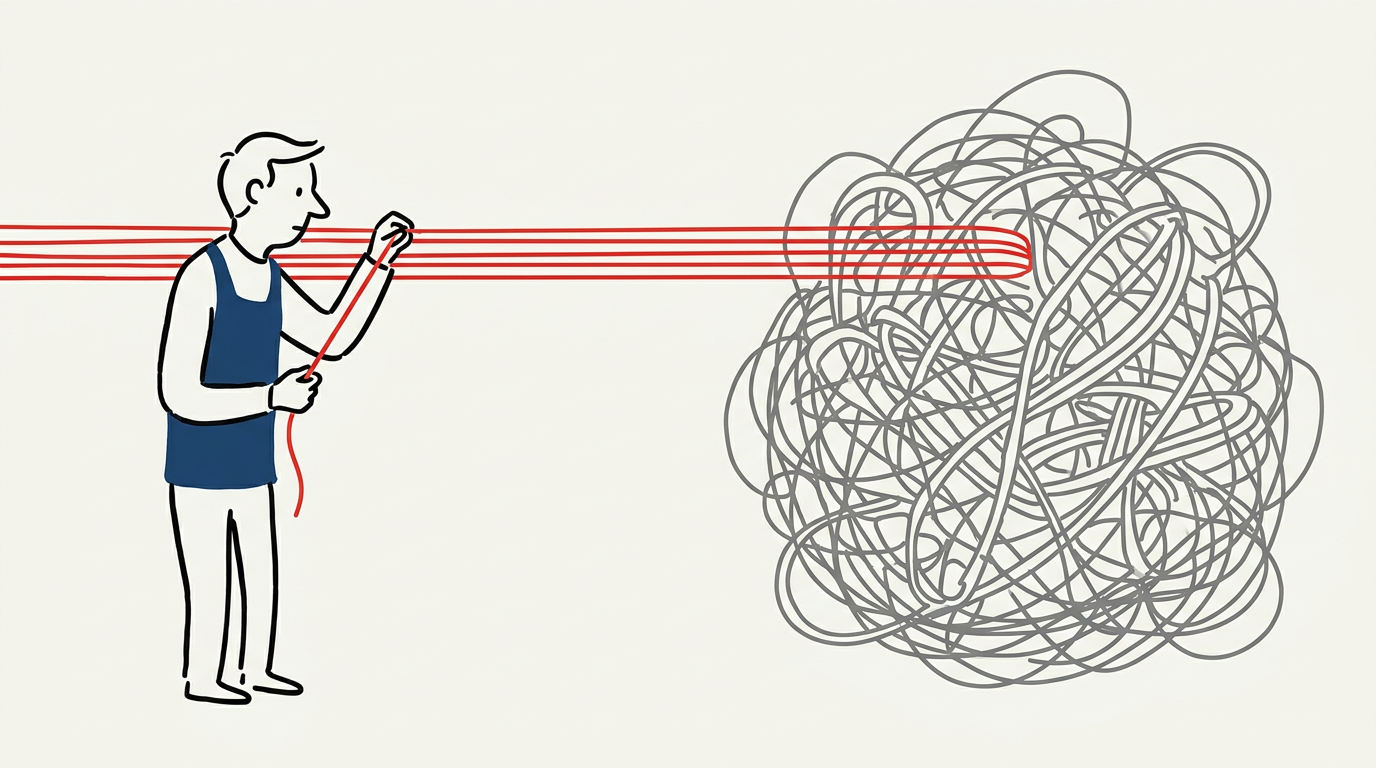
Most extraction projects get 90% of values right, then spend months fixing the other 10% because nobody recorded where each value came from. Traceability is the bottleneck, not accuracy. Build your workflow around source annotation from day one.
The Traceability Problem
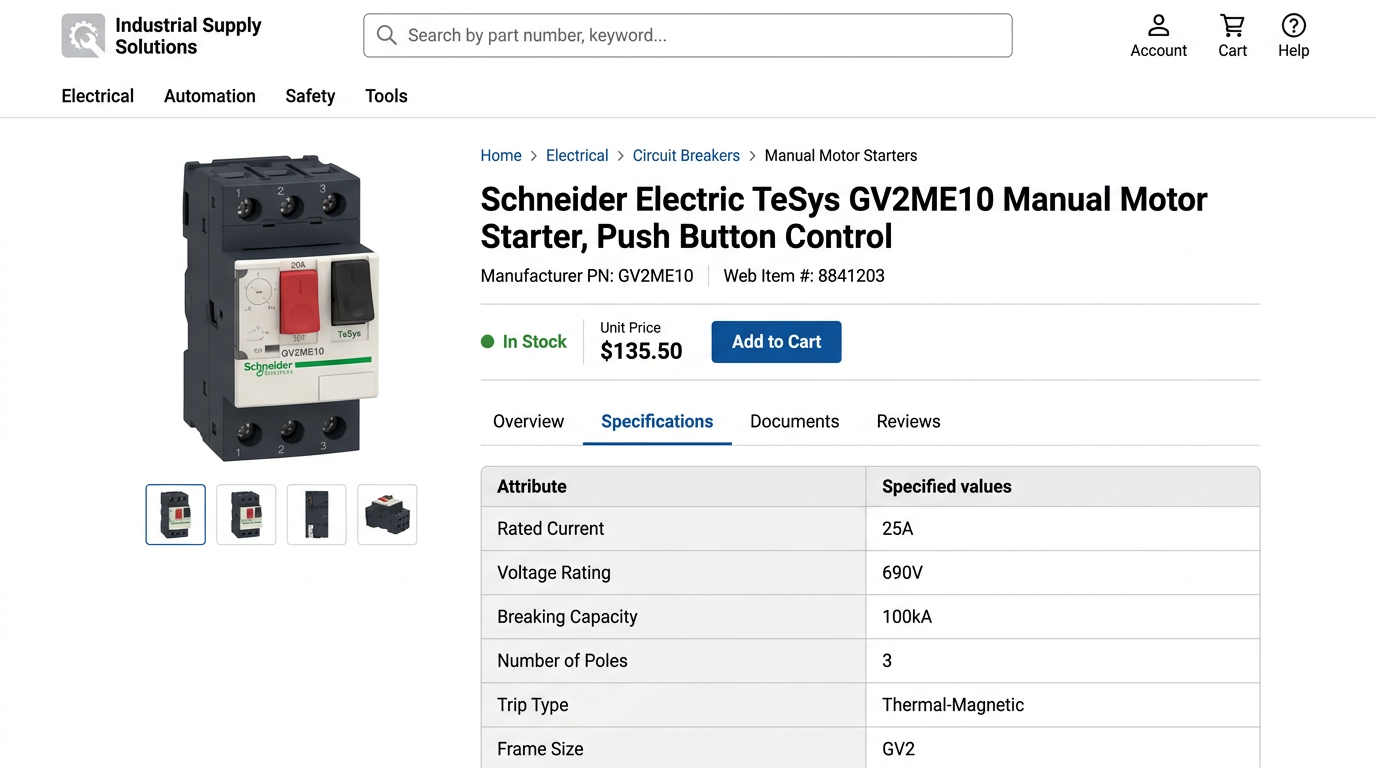
A catalog manager opens a customer complaint. The circuit breaker's rated current is wrong. She checks the PIM: 25A. Opens three Schneider PDFs. Searches for the part number. Finds it on page 47, page 93, and page 201. Which page did that 25A come from? Did someone misread 20A? No annotation. The value is an orphan.
Every electrical distributor dedicates resources to correcting manufacturer data. Most arrives as PDFs. 400-page Schneider catalogs, family-specific Eaton datasheets, Legrand spec pages. Teams optimize for speed: get 500 SKUs into the PIM by Friday. Six months later they spend 40 hours auditing because nobody captured where each value came from. The fix is simple: every extracted field gets source_file, source_page, and source_location from day one. When you need to verify rated_current = 25A six months later, the answer is instant: schneider_tesys_catalog_2024.pdf, page 47, table row 3 column 5.
The 5-Step Extraction Workflow
Rename PDFs with manufacturer_family_year.pdf. Note page ranges for each product family. Mark pages with diagrams or multi-page tables.
Use tools that preserve bounding boxes and page coordinates, not just text. You need to know which cell in which table, not just "the voltage is 240V somewhere in this document."
Identify table headers, including merged cells and spanning columns. Map columns to attribute names. Detect headers that span AC/DC sub-columns, and cases where multiple products share one merged breaking capacity cell.
Apply range checks and pattern matching to catch OCR errors before catalog load. Flag rated_current > 100A without a unit. Flag voltage = 23V when 230V is common.
Append source metadata to every field. Log ambiguous cases. Auto-load high-confidence values. Route low-confidence values to review queue.
Merged Cells Break Extraction
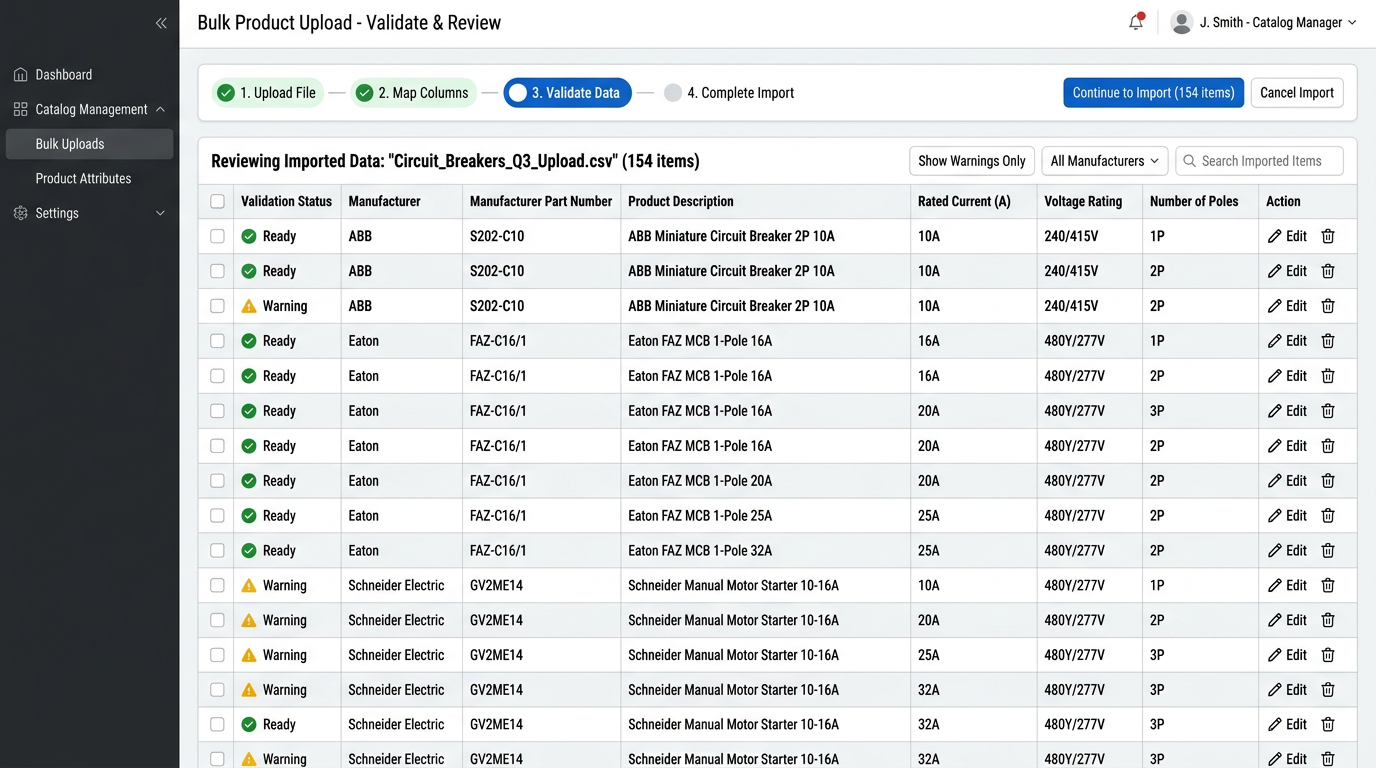
A Schneider TeSys catalog table lists 12 miniature circuit breaker variants. Columns: part number, rated current, voltage, breaking capacity, poles. Three cells in the breaking capacity column are merged. Products 4, 5, and 6 all have 6 kA, shown once. Naive extraction reads merged cells as blank or repeats the value incorrectly.
Without merged cell detection:
- Product 4: breaking_capacity = 6 kA
- Product 5: breaking_capacity = blank
- Product 6: breaking_capacity = blank
With structure recognition:
- Product 4: breaking_capacity = 6 kA (source: page 47, table row 4-6 merged, column 4)
- Product 5: breaking_capacity = 6 kA (source: page 47, table row 4-6 merged, column 4)
- Product 6: breaking_capacity = 6 kA (source: page 47, table row 4-6 merged, column 4)
Detect merged cells during structure recognition. Propagate the value to all rows that share the merged cell. Annotate which rows inherited a merged value so you can verify the assumption six months later.
OCR Errors Hide in Unit Symbols
A scanned Eaton datasheet for molded case circuit breakers lists rated current as 16A. The OCR engine misreads it as 164 because the A symbol touches the 6 in the scan. Symbols adjacent to digits confuse character recognition reliably. Manual inspection catches some of these, but not at scale. Unit symbols remain a consistent weak point for OCR engines.
OCR output: rated_current: 164
Validation rule triggered: Value > 100A AND no unit detected, flag as OCR_UNIT_ERROR
Corrected with traceability: Field: rated_current = 16A (corrected from 164) Source: eaton_series_g_datasheet.pdf, page 3, table row 8, column 3 Flag: OCR_UNIT_ERROR Correction date: 2024-11-15
Your validation rule catches it: if rated_current > 100 and unit is missing, flag for review. Most miniature and molded case breakers are under 100A. Anything higher without a unit is suspect.
Validation Rules That Catch Errors
| Attribute | Validation rule | Caught error |
|---|---|---|
| rated_current | Value < 1000A AND unit present | 164 flagged, no unit |
| voltage | Value in [110, 120, 208, 220, 230, 240, 277, 480] +/- 10% | 23V flagged, likely 230V OCR error |
| breaking_capacity | Value > rated_current AND unit = kA | 6A breaking vs 25A rated fails |
Validation stops corrupt data at the gate. A value that fails validation gets flagged, not loaded. You review it with the source PDF open, correct it once, and annotate the correction in source_location metadata.
Traceability Schema
For every extracted attribute, capture four metadata fields: source_file (manufacturer_family_year.pdf), source_page (integer), source_location (freeform, like "table row 3, column 5"), and extraction_confidence (high/medium/low). Store this as structured metadata in your PIM, not in a comment field.
Confidence = low, validation fails, OR source contains "diagram"/"merged cell": flag for review. Multiple conflicting values in source: flag for review. High confidence AND validation passes: auto-load.
When you need to audit six months later, query: show me all products where rated_current was extracted from schneider_tesys_catalog_2024.pdf, page 47. You get a list of 12 SKUs. Open page 47. Verify them all in one pass.
Next Steps
Start with one product family. Pick a 20-page Schneider or Eaton catalog section. Extract 50 SKUs using this workflow. Measure how many values you can trace back to source six weeks later versus your current process. If you can trace all 50, expand to the next family.